📱 China SIM Cards, Internet & Mobile Data Guide (2026)
Staying connected in China is easier than ever in 2026 — but there are still a few things you need to know before you land. This guide covers which SIM card to buy, how much data you need, how to bypass the Great Firewall, and where to find reliable WiFi — everything a traveler needs to stay online.
✅ Quick Answer
Buy a China Mobile Tourist SIM at the airport (30-50 RMB for 7 days, 80-120 RMB for 30 days). Download DiDi, Alipay, WeChat before arrival. If you need Google/Facebook, install a VPN before entering China — they're blocked once you're inside.
🚧 The Great Firewall: What's Blocked?
China's internet filtering system (nicknamed the "Great Firewall") blocks many popular Western platforms. What you can't access without a VPN:
- Google & Gmail — Search, Maps, Translate (offline mode works if downloaded before)
- Facebook, Instagram, WhatsApp — Messaging works only via VPN
- Twitter/X, YouTube, TikTok — Video platforms fully blocked
- Netflix, Spotify — Streaming services blocked (use downloaded content)
- Western news sites — NYT, BBC, Guardian often throttled or blocked
What works normally: WeChat, Alipay, Baidu, Youku, DiDi, Meituan, Trip.com — all Chinese platforms run smoothly.
🚨 Critical: Install VPN BEFORE Arrival
Once you're in China, Google Play Store and Apple App Store may not show VPN apps. Download your VPN app and test it before you fly. Popular choices: ExpressVPN, NordVPN, Astrill. Many hotels now offer "international internet" (for a fee) that bypasses the Firewall.
📱 Best SIM Cards for Tourists (2026 Prices)
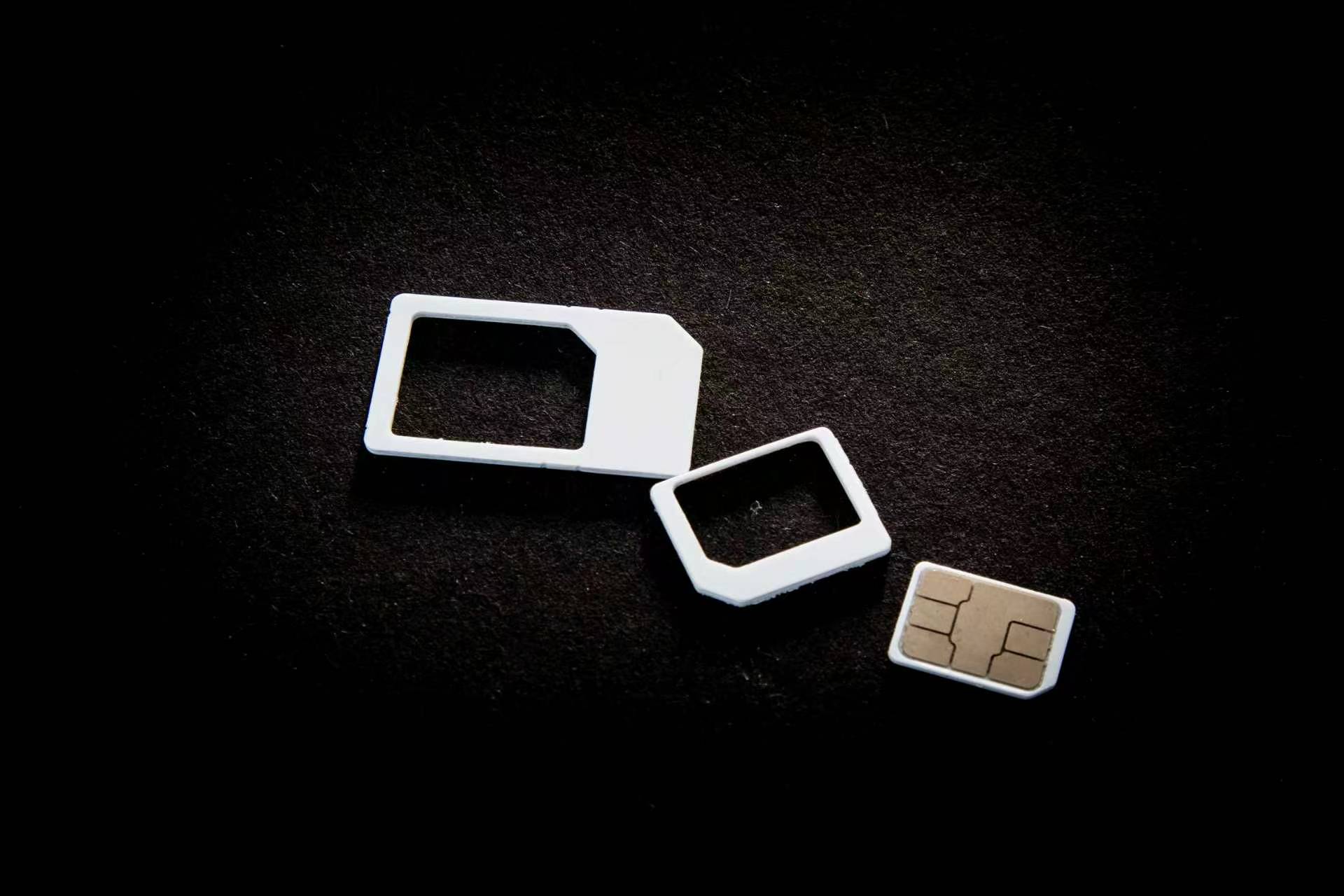
Three carriers dominate China: China Mobile, China Unicom, and China Telecom. All sell tourist SIM cards at airport counters, convenience stores, and official shops.
| Carrier | Tourist Plan | Price (30 days) | Data | Coverage |
|---|---|---|---|---|
| China Mobile | 畅游套餐 (Tourist Pack) | ¥80-120 | 30-50 GB + 100 mins | Best in rural areas & mountains |
| China Unicom | 全球通 (Global Pass) | ¥100-150 | 40-60 GB + 200 mins | Best in cities, supports eSIM |
| China Telecom | 天翼国际 (Sky International) | ¥90-130 | 35-50 GB + 150 mins | Good balance, cheaper data |
📍 Recommendation: China Mobile Tourist SIM
Why it's the best for travelers:
- Airport counters open 24/7 at Beijing, Shanghai, Guangzhou, Shenzhen airports
- English-speaking staff available at major airport counters
- 30 GB data + 100 minutes for ¥100 — enough for 2 weeks of heavy use
- Best rural coverage — works in Zhangjiajie, Jiuzhaigou, and mountain areas
- Top-up via Alipay mini-program (search "中国移动")
🛒 Where to Buy: Airport vs City
Buying at the airport is the smoothest option for first-time visitors:
City options: Official carrier shops in city centers (look for "中国移动" / "中国联通" signs). Lines can be 30-60 minutes. Prices are the same as the airport.
📲 eSIM Options for China (2026 Update)
Traditional SIM cards still dominate, but eSIM adoption is growing. What works in China:
- China Unicom eSIM: Available via Trip.com App. ¥120 for 30 days / 40 GB. Buy on Trip.com →
- Airalo China eSIM: International eSIM, ¥150/10GB (expensive but works across borders).
- Holafly China: Unlimited data plans, ¥200-300/week. Good for heavy streamers.
Note: Most Chinese phones support eSIM, but many international phones (US iPhones) don't support China Unicom eSIM. Check your device compatibility first.
📊 How Much Data Do You Need?
A typical traveler in China uses 1.5-3 GB per day depending on usage:
- Light user (1-1.5 GB/day): Maps, messaging (WeChat), translation, occasional web browsing. 30 GB for 30 days is plenty.
- Medium user (2-2.5 GB/day): Maps + social media (via VPN) + photo uploads + video calls. 50-60 GB for 30 days recommended.
- Heavy user (3+ GB/day): Video streaming, hotspot to laptop, constant VPN use. 100+ GB or unlimited needed.
💡 Data Saving Tips
- Download offline maps (Baidu Maps) before traveling to remote areas
- Use WiFi at hotels/cafes for large downloads and updates
- Set WhatsApp/WeChat to "auto-download media only on WiFi"
- Streaming? Use hotel WiFi — mobile data gets expensive fast
- VPN use consumes extra data (encryption overhead) — budget 20% more
📶 WiFi in China: What to Expect
WiFi coverage in Chinese cities is excellent, but with caveats:
Hotel WiFi
All hotels from hostels to 5-stars provide free WiFi. Speed: 20-100 Mbps in decent hotels. Luxury hotels (Hilton, Marriott) offer 200+ Mbps. Security tip: Avoid banking over hotel WiFi — use your mobile data (more secure).
Coffee Shops & Restaurants
Starbucks, Costa, and local chains (瑞幸 Luckin Coffee) all have free WiFi. Ask staff for the password (usually on the receipt or posted on wall). Speed is decent for browsing and messaging.
Airport & Train Station WiFi
Major airports (Beijing Capital, Shanghai Pudong, Guangzhou Baiyun) offer free WiFi via face recognition login — you'll need to scan your passport at a kiosk first. Connection time: 2-4 hours per session.
Public Spaces
Many city squares, shopping malls, and metro stations now have "Smart City WiFi" (智慧城市WiFi). It's free but slow (2-5 Mbps) and requires手机号 (phone number) verification to register.
⚠️ WiFi Security
Public WiFi in China is generally safe, but avoid accessing bank accounts or entering credit card details. Use your mobile data for sensitive transactions — carrier networks are more secure than public hotspots.
📱 Essential Apps That Need Internet
These apps will be your daily companions in China — make sure you can access them:
- DiDi (滴滴出行): China's Uber. Requires internet to book rides. Download before arrival.
- Alipay (支付宝) & WeChat Pay (微信支付): QR code payments. Both work offline once logged in, but need internet for initial setup.
- Baidu Maps (百度地图) or Amap (高德地图): Navigation. Download offline maps within the app before heading to rural areas.
- Translation (Tencent Translate / Baidu Translate): Download offline language packs before traveling.
- Trip.com (携程): Book hotels, trains, flights. English interface, accepts international cards.
- Meituan (美团): Food delivery, restaurant reviews, group buys. English version limited but usable.
🔒 VPN Guide: Accessing Blocked Sites
If you need Google, Gmail, WhatsApp, or Instagram while in China, a VPN (Virtual Private Network) is essential. Read our detailed VPN guide →
Quick VPN facts for 2026:
- Install BEFORE entering China — App Store / Play Store won't show VPN apps once you're inside
- ExpressVPN, NordVPN, Astrill are the most reliable in 2026 (not all servers work)
- Cost: $8-12/month for reliable providers. Free VPNs are slow and unsafe
- Hotel "international internet": Many 4-5 star hotels now offer VPN-free international access for ¥50-100/day extra
- Legal note: Using a VPN as a foreign tourist is generally tolerated. Don't use it for illegal activities
💳 How to Top Up Your SIM Card
Running low on data? Top-up is easy via Alipay or WeChat:
- Open Alipay → Search "充值中心" (Top-up Center)
- Select "手机充值" (Mobile Top-up)
- Enter your Chinese phone number (starts with 139/186/189 etc.)
- Choose a plan: ¥30/2GB, ¥50/8GB, ¥100/30GB
- Pay with Alipay balance, bank card, or WeChat Pay
Top-up amounts: Most travelers add ¥50-100 mid-trip. Data activates within 5 minutes.
📞 Useful Phone Numbers & Emergency
| Service | Number | Language |
|---|---|---|
| Police (报警) | 110 | Mandarin only |
| Fire (火警) | 119 | Mandarin only |
| Ambulance (急救) | 120 | Mandarin only |
| China Mobile Service | 10086 | English available |
| China Unicom Service | 10010 | English available |
| China Telecom Service | 10000 | English available |
| Tourist Hotline (Beijing) | +86-10-12301 | English available |
💰 Budget: Internet Costs for 30 Days
Here's a realistic budget for staying connected during a 30-day China trip:
- Tourist SIM (China Mobile 50GB): ¥100 (one-time)
- Top-up mid-trip (optional): ¥50-100
- Hotel WiFi: Free (included in room rate)
- VPN subscription (1 month): $8-12 (buy before entry)
- Airport WiFi (occasional use): Free
Total: Approximately ¥100-200 ($14-28) + VPN fee for 30 days of solid connectivity. Very affordable compared to Europe or the US.
🎯 Pro Tips for Staying Connected
- Bring a power bank: 10,000 mAh minimum. China's fast mobile internet drains batteries quickly.
- Carry a backup SIM: Buy a second SIM (China Unicom) for ¥30 as backup if your main carrier has weak coverage.
- Download offline content: Movies, music, maps — do it on hotel WiFi before long train rides.
- Check your phone compatibility: China uses LTE bands 1/3/5/8. Most modern phones work, but some US models may have limited band support.
- Use WhatsApp web: Link your laptop via QR code while you have VPN access — it often stays connected even after VPN drops.
- Save important numbers: Screenshot your hotel's Chinese address, emergency contacts, and SIM customer service numbers.
✅ You're All Set!
Buy your SIM at the airport, download DiDi and Alipay before you fly, install a VPN app, and you'll be online the moment you land. China's mobile internet is world-class — fast, cheap, and nearly everywhere. Enjoy your trip! 🎉
❓ Frequently Asked Questions
Q: Can I use my home SIM in China?
A: Yes, but roaming rates are expensive. Most plans charge ¥20-30/MB outside their roaming bundles. Buy a Chinese tourist SIM at the airport — it will save you 90% on data costs.
Q: Can I use WhatsApp/WeChat calls on a Chinese SIM?
A: Yes! Voice and video calls via WhatsApp and WeChat work fine on Chinese SIM cards (no VPN needed for WeChat calls). WhatsApp calls require a VPN for video, but audio-only works on most carrier networks.
Q: Is there free WiFi on Chinese high-speed trains?
A: Newer CR400 trains (Beijing-Shanghai, Beijing-Guangzhou routes) have free onboard WiFi. Speed is 2-5 Mbps — fine for messaging, not for streaming. Older trains have no WiFi; download content beforehand.
Q: What happens if my SIM gets lost or stolen?
A: Visit any China Mobile/Unicom shop with your passport. They can cancel the SIM and issue a replacement within 30 minutes. Keep your SIM card number (from the packaging) as a backup.
Q: Do I need to register my SIM with the police?
A: Hotels handle police registration automatically when you check in. If staying in Airbnb or with friends, you may need to register at the local police station within 24 hours. The SIM itself is registered at purchase time.
📚 More Connectivity & Travel Guides
- Best VPNs for China (2026 Update) →
- 20 Best Apps for Traveling in China →
- 10 Common Travel Scams & How to Avoid Them →
- China Safety Guide for Tourists →
- Official Internet & VPN Guide (Full Version) →
Last updated: June 2026. All prices and regulations verified with carrier customer service. Always check official sources before travel.